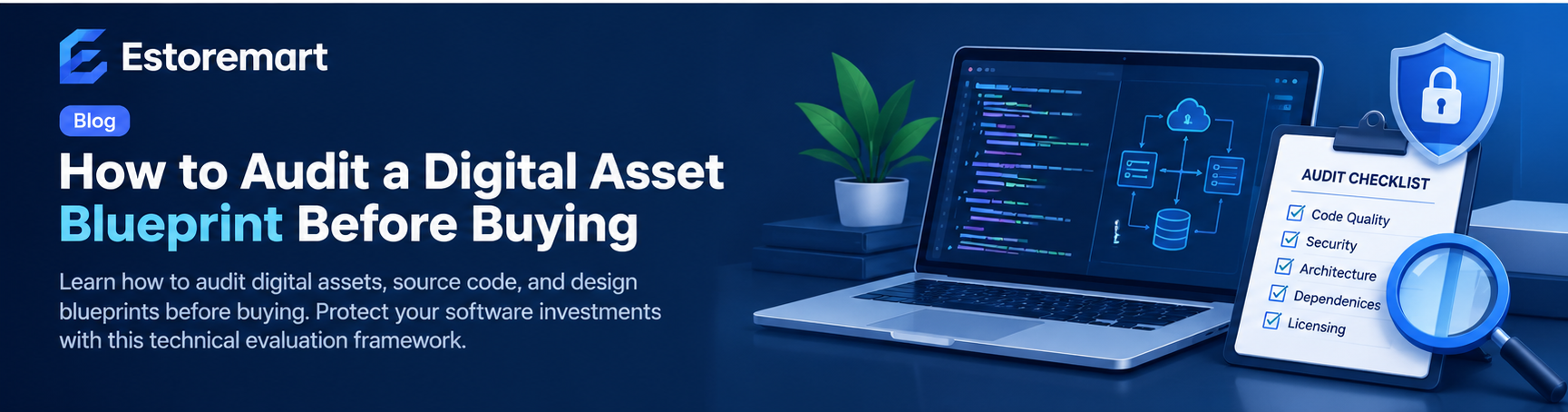
How to Audit a Digital Asset Blueprint Before Making a Purchase
Learn how to evaluate digital assets, source code, design systems, and automation scripts before purchasing. This practical audit framework helps buyers verify quality, security, and maintainability.
The Importance of Pre-Purchase Technical Audits
Acquiring pre-built digital assets—such as software source code, website templates, automation workflows, UI/UX design systems, or data models—can significantly accelerate your development timelines. Instead of building core architecture from scratch, buyers can leverage existing frameworks to launch products weeks or months earlier. However, the true value of a digital asset depends entirely on its underlying structure, security posture, and maintainability.
A digital asset blueprint represents the technical foundation of what you are buying. Without a structured evaluation strategy, buyers risk acquiring outdated code, undocumented dependencies, or rigid architectures that require more effort to refactor than to build anew. Performing a comprehensive audit before completing a transaction protects your investment and ensures that the asset fits seamlessly into your operational stack.
Phase 1: Evaluating Architecture and Code Health
The first stage of auditing any digital asset involves inspecting the structural integrity of the deliverables. Whether you are reviewing a full-stack web application or a modular design library, clear architectural patterns are essential for long-term scalability.
1. Standardized File Structure and Organization
High-quality assets follow recognized industry conventions for file hierarchy and component separation. Look for logical directory structures where assets, logic, views, and configurations reside in distinct modules. Avoid assets with monolithic files where business logic and presentational layers are heavily coupled, as this dramatically increases future maintenance costs.
2. Dependency Management and Tech Stack Modernization
Review the manifest files (such as package.json, requirements.txt, or composer.json) included in the asset package. Check whether the dependencies rely on active, maintained open-source libraries or deprecated packages. Assets built on obsolete frameworks pose security risks and may introduce compatibility issues with modern hosting environments or browser APIs.
3. Code Readability and Formatting
Clean code reduces the onboarding time for your internal engineering team. Ensure the codebase adheres to language-specific style guides (such as PEP 8 for Python or PSR standards for PHP). Consistent naming conventions, clear variable definitions, and minimal dead code are strong indicators of professional authorship.
Phase 2: Assessing Security and Compliance
Security flaws in acquired digital assets can expose your business and end-users to unnecessary vulnerabilities. Conducting a pre-purchase security review ensures you do not inherit unpatched liabilities.
- Hardcoded Credentials: Inspect code files and configuration templates to ensure API keys, database passwords, and private tokens are omitted or abstracted into environment variables.
- Input Validation and Sanitization: Verify that user inputs, form submissions, and URL parameters are sanitized to prevent common attack vectors like Cross-Site Scripting (XSS) and SQL Injection.
- Data Privacy Handling: If the asset includes database schemas or user management models, check that personal data handling aligns with modern privacy expectations, such as proper password hashing algorithms.
Phase 3: Documentation and Developer Onboarding
A digital asset is only as effective as your team's ability to deploy and extend it. Complete documentation converts complex codebases into practical solutions.
Key Documentation Artifacts to Verify
- Installation and Environment Setup Guides: Clear step-by-step instructions outlining local environment setup, runtime requirements, and configuration steps.
- API and Interface Specifications: Detailed descriptions of available endpoints, accepted payloads, return formats, and error codes.
- Deployment Workflows: Guidelines covering production deployment, environment variables, and build scripts.
If crucial setup steps are missing or ambiguous, reach out to the creator or seller prior to final acquisition to request clarification or additional documentation samples.
Phase 4: License Clarity and Intellectual Property
Before integrating an asset into your commercial workflow, verify the legal permissions attached to the transfer. Understand what rights you receive upon purchase and whether any third-party components impose restrictions.
Check if the asset incorporates open-source libraries under copyleft licenses (such as GPL) that might require you to open-source your proprietary modifications. Ensure the vendor provides a clear standard license agreement detailing usage rights, re-distribution permissions, and white-labeling allowances.
How Estoremart Streamlines Your Due Diligence
Navigating digital product catalogs requires a platform that prioritizes asset quality and vendor transparency. At Estoremart, digital products undergo structured curation to ensure buyers receive well-organized assets with clear licensing and comprehensive documentation.
By browsing curated collections on Estoremart, you can compare technical specifications, review product documentation previews, and evaluate assets across various categories—including web templates, software scripts, and design frameworks—with total confidence.
Conclusion: Buying with Confidence
Auditing a digital asset blueprint before purchasing is an essential habit for developers, agency owners, and digital entrepreneurs. By methodically evaluating architectural health, security practices, documentation quality, and licensing compliance, you eliminate technical risk and maximize ROI. Take time to audit before you acquire, ensuring your next digital purchase serves as a reliable launchpad for your project.
A Step-by-Step Technical Evaluation Framework
To avoid overpaying or acquiring code that requires immediate refactoring, follow this practical evaluation sequence before finalizing any digital product purchase:
- Audit the Dependency Tree: Inspect third-party libraries, frameworks, and plugins. Check if key dependencies are actively maintained or deprecated. High dependency density increases long-term maintenance overhead and security exposure.
- Review Revision and Update History: Look at product changelogs and release notes. Frequent patch updates indicate active maintainer support, whereas assets without revisions for over six months may contain unpatched vulnerabilities or compatibility issues with modern environments.
- Test for Native Environment Compatibility: Confirm that scripts, templates, or application packages run smoothly on current stable runtimes (such as recent PHP, Node.js, Python, or database engine versions) without relying on obsolete legacy flags.
- Evaluate Asset Modularity: Check whether custom code or design files are structured logically. Well-organized modular files allow your team to extend functionality or adjust styling without breaking core system architecture.
Key Red Flags and Risk Mitigation Strategies
Identifying hidden defects early saves significant technical debt. Keep an eye out for these potential warning signs during your initial inspection:
- Hardcoded Configuration Values: Assets that store credentials, database paths, or absolute URLs directly within core logic files rather than external configuration or environment files require extensive manual cleanup before deployment.
- Inadequate Licensing Clearances: Verify that bundled icons, fonts, media elements, or code modules do not carry restrictive open-source licenses that conflict with commercial deployment or client distribution.
- Missing System Documentation: High-quality digital products include clear setup guides, deployment instructions, and configuration parameters. The absence of basic documentation usually signals poor internal code organization.
- Obfuscated or Minified Source Files: Unless purchasing compiled binaries, production-ready code assets should include unminified, human-readable source code so your developers can inspect, customize, and maintain the application.
Digital Asset Quality & Verification Checklist
Use this standardized checklist when assessing prospective software, scripts, design systems, and digital media kits:
Code & Architecture Standards
- Source files follow standard conventions and separation of concerns.
- Security checks handle inputs securely to mitigate common web vulnerabilities.
- Database queries are optimized and indexed to handle scalable production workloads.
Design & Content Assets
- Design files include structured layers, scalable vectors, and flexible typography tokens.
- Media files are formatted efficiently to ensure fast asset loading and performance.
- Layouts adapt responsively across desktop, tablet, and mobile breakpoints.
Maximizing Return on Investment After Purchase
Once you acquire a verified digital product, implement structured onboarding practices to maximize your operational efficiency:
Establish a clean staging repository to isolate new code before integrating it into production environments. Document all custom modifications made to standard files, making it easier to apply vendor software patches in the future. When sourcing professional digital products, marketplaces like Estoremart provide transparent asset specifications, helping technical teams and project managers evaluate asset health, streamline software procurement, and deploy reliable digital infrastructure with confidence.
Related articles
Continue exploring more articles from the Estoremart blog.
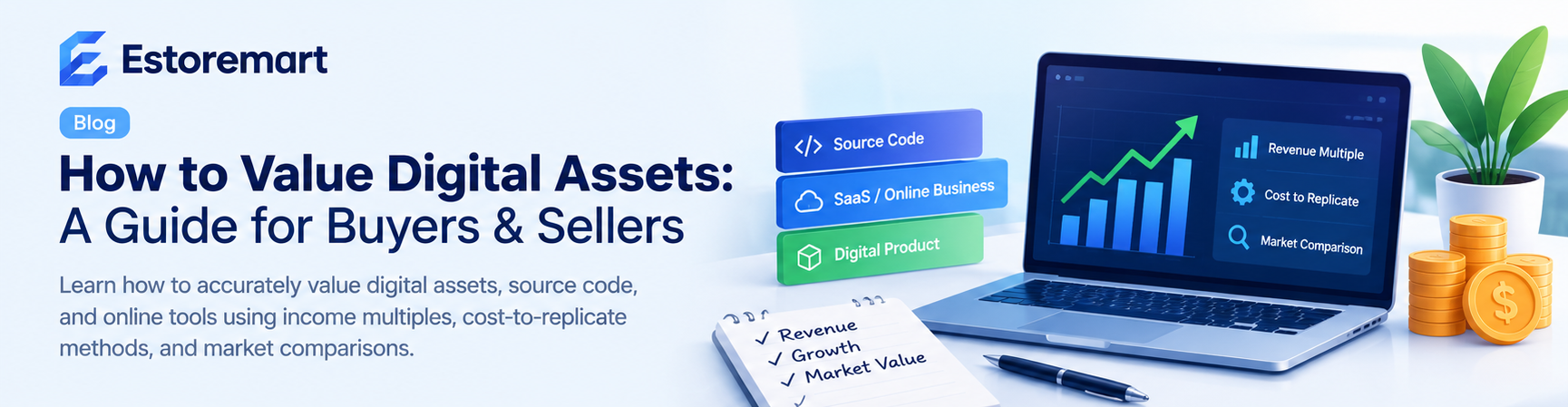
How to Value a Digital Asset Before Buying or Selling Online
Learn practical methods to accurately value digital assets like code scripts, design templates, and online stores before entering a marketplace deal.
A Guide to Evaluating Code Market Scripts for Custom Web Applications
Learn how to evaluate pre-built scripts, boilerplate code, and software components for custom web development projects while balancing technical debt, licensing, and maintainability.
Choosing the Right SaaS Boilerplate for Your Next Web Application
A practical framework for evaluating production-ready starter kits, tech stacks, and architecture blueprints to accelerate software launch timelines.